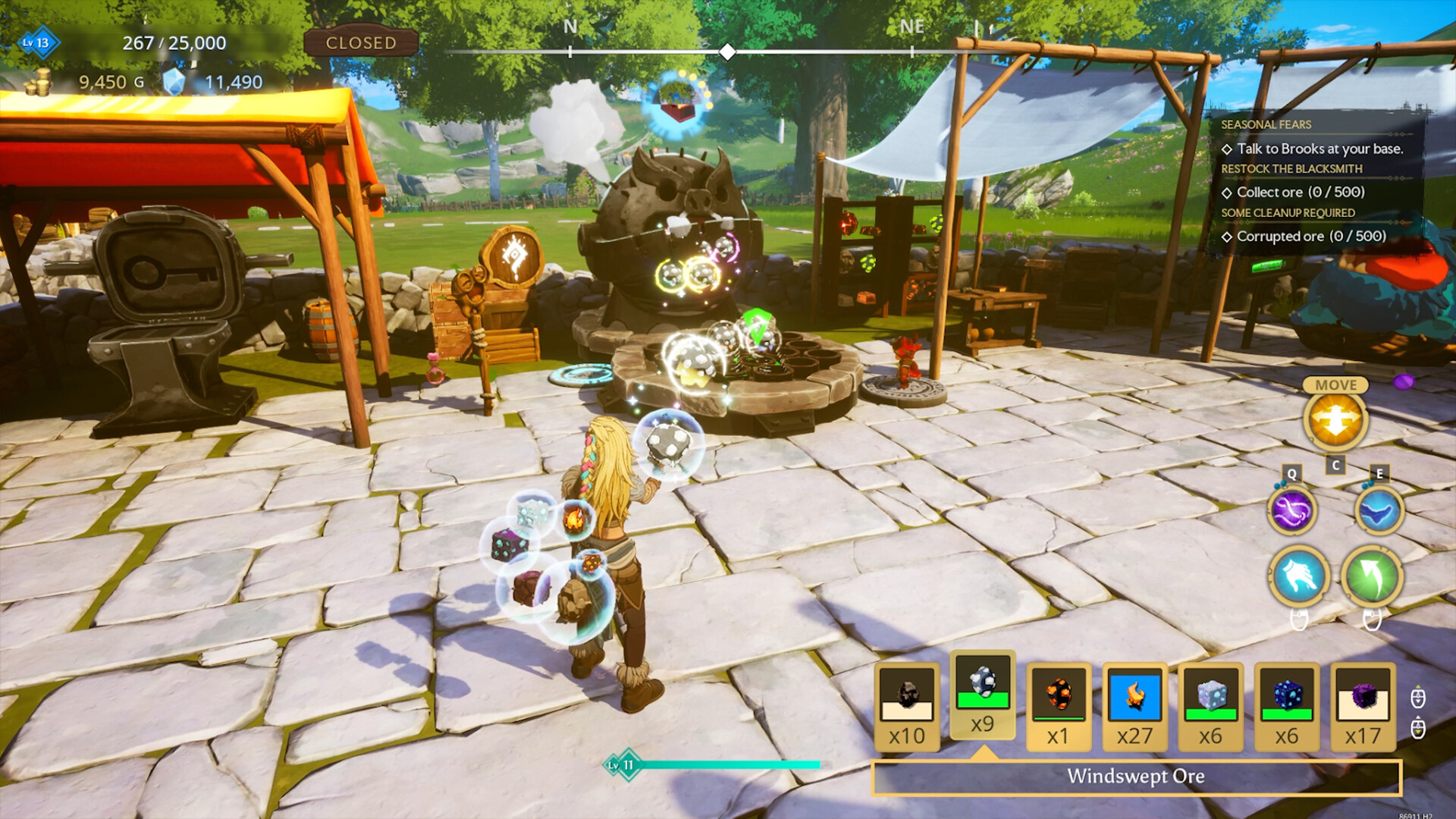
云之国|Cloudheim|Build.24851625联机版|官方中文|支持手柄|容量16.4GB


如何联机
如何启动:
1. 启动 Steam 并登录您的 Steam 账号。
2. 通过 CloudheimSteam.exe 启动游戏。
游戏内:
连接:
开始游戏 → 加入邀请码 输入您好友的房间代码并连接。
创建服务器:
开始游戏 → 开始 → 其他玩家如何加入 → 邀请码 → 创建世界 → 等待其他玩家连接。
AI 生成内容披露
开发者对其游戏如何使用 AI 生成内容的描述如下:
Our primary use of generative AI is for internal communication: we made a bot called InfoSage which helps us search our documentation, notify others of interesting discussions, and look through recent changes to pinpoint when bugs occurred.
Our developers can choose to use generative AI as part of an iterative exploratory process, but the decision of how and when is left up to individuals, and the final product always reflects the creativity and expression of our own development team.
No people have been replaced by AI. This includes artists and engineers on our team, voice actors, localization, or other roles.
系统需求
最低配置:
-
- 需要 64 位处理器和操作系统
- 操作系统: Windows 10 (1903 min)
- 处理器: AMD Ryzen 5 2600X / Intel Core i5-8600K
- 内存: 16 GB RAM
- 显卡: NVIDIA GeForce GTX 1660 / NVIDIA GeForce RTX 3050 / AMD Radeon RX 6600
- DirectX 版本: 12
- 网络: 宽带互联网连接
- 存储空间: 需要 30 GB 可用空间
- 附注事项: Internet connection required.
推荐配置:
-
- 需要 64 位处理器和操作系统
- 操作系统: Windows 11
- 处理器: AMD Ryzen 7 5800X / Intel Core i7-12700
- 内存: 32 GB RAM
- 显卡: NVIDIA GeForce RTX 3070 / NVIDIA GeForce RTX 4060 / RX 7700 XT / RX 6800 XT
- DirectX 版本: 12
- 网络: 宽带互联网连接
- 存储空间: 需要 30 GB 可用空间
- 附注事项: Internet connection required.